Reference-led editing
Best when prompts alone are not enough and source images need to guide the result.
Generator
Nano Banana 2
Preview
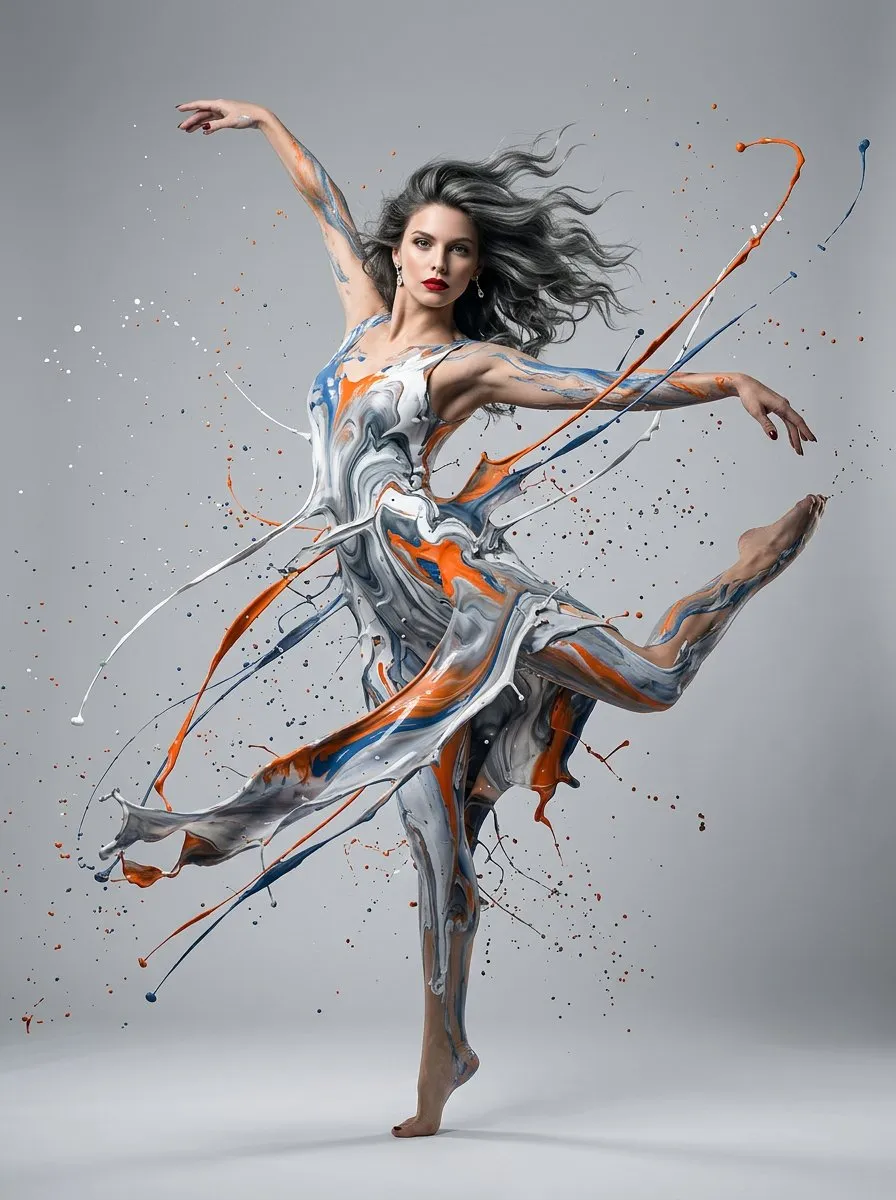
Nano Banana 2 is built for faster editing loops, stronger subject consistency, and more explicit output control. It fits image tasks where reference assets matter, text must stay readable, and the visual result needs to stay disciplined across iterations.
Precision text rendering
Subject consistency
Up to 14 reference images
1K to 4K output
Best when prompts alone are not enough and source images need to guide the result.
Google highlights consistency for up to five characters and fourteen objects in one workflow.
Control ratio, resolution, and PNG or JPG output format.
This page is better for users who already know the visual direction they want and need references, text, and parameters to keep results more stable.
Start from an existing image for controlled revisions, or combine multiple references to guide composition, subject, and style more clearly.
Google emphasizes stronger text rendering and translation, which makes Nano Banana 2 more useful for posters, ad creatives, infographics, and marketing visuals with copy.
You can set aspect ratio, 1K to 4K resolution, and output format directly in the generator, which helps when handing images into design, ad, and delivery workflows.
Start with text to image for new concepts, then switch to image-to-image when you need to preserve structure, subjects, or style from an existing image.
When the task depends on composition, pose, product consistency, or brand direction, add one or more guiding images. The current generator supports up to 14 reference images.
Choose the aspect ratio, resolution, and output format, then refine the result by updating prompts or references until the image is ready.
Choose Nano Banana 2 when you need stronger reference-image workflows, tighter subject consistency, and more explicit output control. If you mainly want to start fast from prompts and iterate lightly, GPT Images 2.0 is usually the simpler entry point.
Yes. In the current generator, Nano Banana 2 supports up to 14 reference images, which is useful for multi-image guidance, style blending, and more controlled editing tasks.
Yes. Google specifically highlights precision text rendering and translation, which makes Nano Banana 2 a stronger fit for posters, ad creatives, infographics, and other text-heavy marketing images.
In your current generator, you can control aspect ratio, 1K, 2K, and 4K resolution, plus PNG and JPG output. Google also positions the model around production-ready specs and multiple output sizes.
Many ad and brand workflows need more than one image. They need people, products, and key objects to stay stable across revisions. Google says Nano Banana 2 can maintain consistency for up to five characters and fourteen objects in one workflow.
Yes. You can upload an existing image and use text instructions to add elements, change backgrounds, extend styles, or make controlled local edits, which is one of the main reasons to use Nano Banana 2.
Use stronger reference control, text rendering, and output settings for more directed image generation and editing.