Production visuals
Use it for product images, ads, posters, educational graphics, social content, and concept exploration.
Generator
GPT Images 2.0
Preview
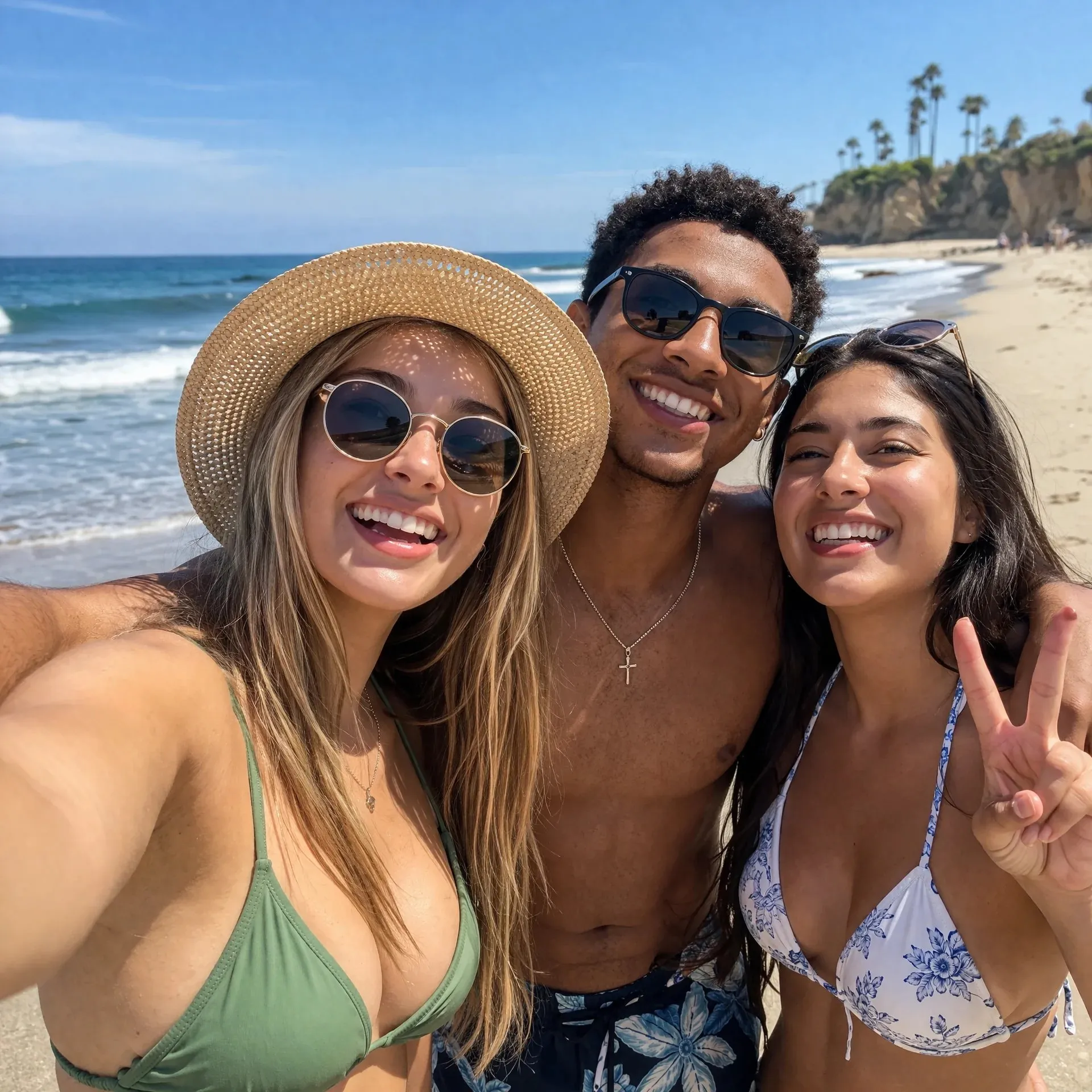
GPT Images 2.0 follows OpenAI's ChatGPT Images 2.0 release: a stronger image model for complex visual tasks, sharper editing, richer layouts, dense readable text, multilingual design, and reference-based iteration.
Text-heavy designs
Image editing
Reference-guided generation
Flexible aspect ratios
Use it for product images, ads, posters, educational graphics, social content, and concept exploration.
Start from a text prompt, then use reference images when brand details, composition, or source material matter.
Tune aspect ratio and quality for square posts, vertical stories, horizontal banners, and polished presentation assets.
The official release and early social demos emphasize better real-world knowledge, stronger instruction following, clearer text rendering, and more reliable edits.
Use it for posters, ads, infographics, menus, educational visuals, and other assets where readable labels and organized composition matter.
Upload source images when you need to preserve a subject, adapt a product shot, test a style direction, or make a targeted creative revision.
GPT Images 2.0 is useful when a prompt needs composition, world knowledge, typography, visual style, and production intent to work together.
State the final asset first: poster, product image, infographic, ad creative, social post, concept sheet, or reference-based edit.
Include audience, language, text that must appear, brand details, composition, aspect ratio, and any reference images that should guide the result.
Check spelling, labels, objects, faces, logos, and visual hierarchy before using the result in a campaign or product workflow.
GPT Images 2.0 is designed for complex image generation and editing tasks, especially text-heavy layouts, product visuals, ads, posters, educational graphics, multilingual designs, and reference-guided creative iteration.
Yes. You can use image-to-image workflows with reference images when you want to preserve source material, change a style, adapt a product shot, or make a more controlled revision.
OpenAI's official release uses the name ChatGPT Images 2.0. This page uses GPT Images 2.0 as the keyword-friendly model-page name for the same new generation of OpenAI image creation and editing capabilities.
It works well for product visuals, marketing images, ad creatives, concept art, social assets, editorial graphics, infographics, menus, posters, and multilingual designs that need more accurate text or richer layout.
OpenAI says ChatGPT Images 2.0 with Thinking can use reasoning and tools during image creation. On this site, the visible workflow focuses on prompt-based generation, reference images, aspect ratio, and quality controls.
In the current public generator, you can adjust aspect ratio and quality. Use those controls to target square, vertical, or horizontal assets and balance speed against final polish.
Start with the asset type and goal, then add subject, scene, style, language, exact text, composition, colors, and constraints. For edits, say what should change and what must stay the same.
In general, yes, as long as your use complies with the platform terms and does not violate third-party rights. Before commercial use, it is still a good idea to review brand assets, likeness rights, trademarks, and copyright risks.
Create prompt-led visuals, edit with references, and refine text-heavy or layout-rich assets in one model-focused generator.