Posters + infographics + marketing visuals
Best for image tasks that need both visual polish and clearer information structure.
Generator
Seedream 5 Lite
Preview
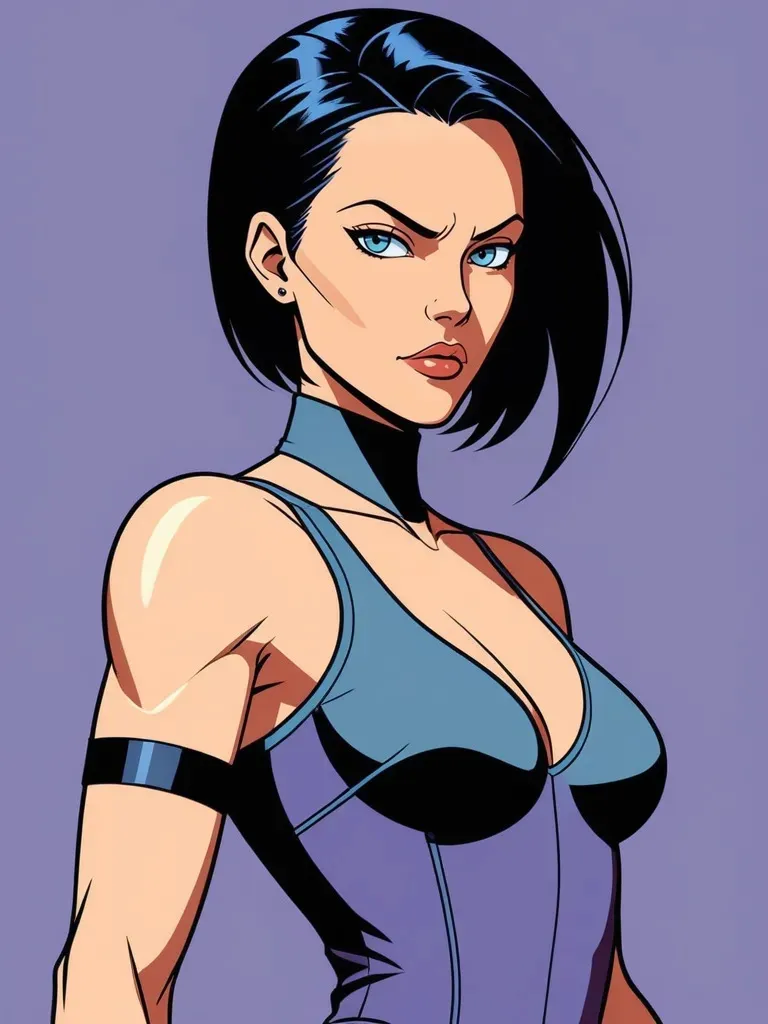
ByteDance describes Seedream 5.0 Lite as a unified multimodal image model with deep thinking and online search enhancement. In your current generator, this page now supports both text-to-image and image-to-image for high-fidelity posters, explainers, marketing visuals, and reference-led edits.
Stronger instruction understanding
Infographics and knowledge visuals
Up to 14 reference images
Aspect ratio + quality + safety controls
Best for image tasks that need both visual polish and clearer information structure.
The public page supports both text-to-image and image-to-image with up to 14 reference images.
Supports common ratios plus Basic and High quality in the current interface.
Choose Seedream 5 Lite when instruction understanding, information expression, and cleaner outputs matter, whether you are starting from text or refining existing images.
ByteDance highlights improved cross-modal understanding, reasoning, and instruction following, which helps Seedream 5.0 Lite handle more structured image requests.
Official examples focus on diagrams, educational graphics, and information visualization, suggesting the model is useful beyond moodboards and simple concept art.
Your generator keeps Seedream 5 Lite focused on the controls teams use most often: aspect ratio, quality, and up to 14 reference images for image-to-image tasks.
Describe the subject, scene, style, intended use, and information structure clearly. This model benefits from more complete intent, not just keyword lists.
Pick the best ratio for landing pages, social posts, presentations, or ads, decide whether Basic or High is enough, and add reference images when you need guided edits.
After the first output, keep clarifying the wording, text content, layout constraints, or source images until the result is close to the final version you need.
Seedream 5 Lite works especially well for posters, infographics, explainers, marketing visuals, and other text-to-image tasks where accuracy and structure matter as much as overall style.
Yes. The current public generator supports image-to-image and accepts up to 14 reference images, alongside the existing text-to-image flow.
Because the current Seedream 5 Lite page stays focused on a smaller set of high-frequency controls: aspect ratio, quality, and reference-image editing. The goal is still faster use than a heavier editing surface.
Yes. ByteDance's official examples emphasize information visualization, educational diagrams, and structured text-heavy outputs, which makes the model a good fit for those image types.
ByteDance says the main improvement is not simply higher resolution or faster speed, but stronger understanding, reasoning, and generation accuracy. In practice, that means a better chance of getting a usable first result.
Start with Seedream 5 Lite when you want stronger instruction understanding, infographic-style visuals, or high-fidelity outputs with focused controls. Choose GPT Images 2.0 when you want a more general GPT Image-backed generator with broader reference capacity.
Use natural language and describe the subject, background, style, intended use, and information structure clearly. If the image needs exact titles, labels, or numbers, write them directly in the prompt.
Use stronger understanding and a lighter generator to generate posters, infographics, and high-fidelity visuals faster.