
3 image models
The current image workflow includes GPT Images 2.0, Nano Banana 2, and Seedream 5 Lite.
Use GPT Images 2.0, Nano Banana 2, Seedream 5 Lite, and more in ImageV2 for text-to-image, image-to-image, reference editing, posters, ad creatives, and ecommerce visuals.
Multi-model image workflow
Preview
Your result will appear here
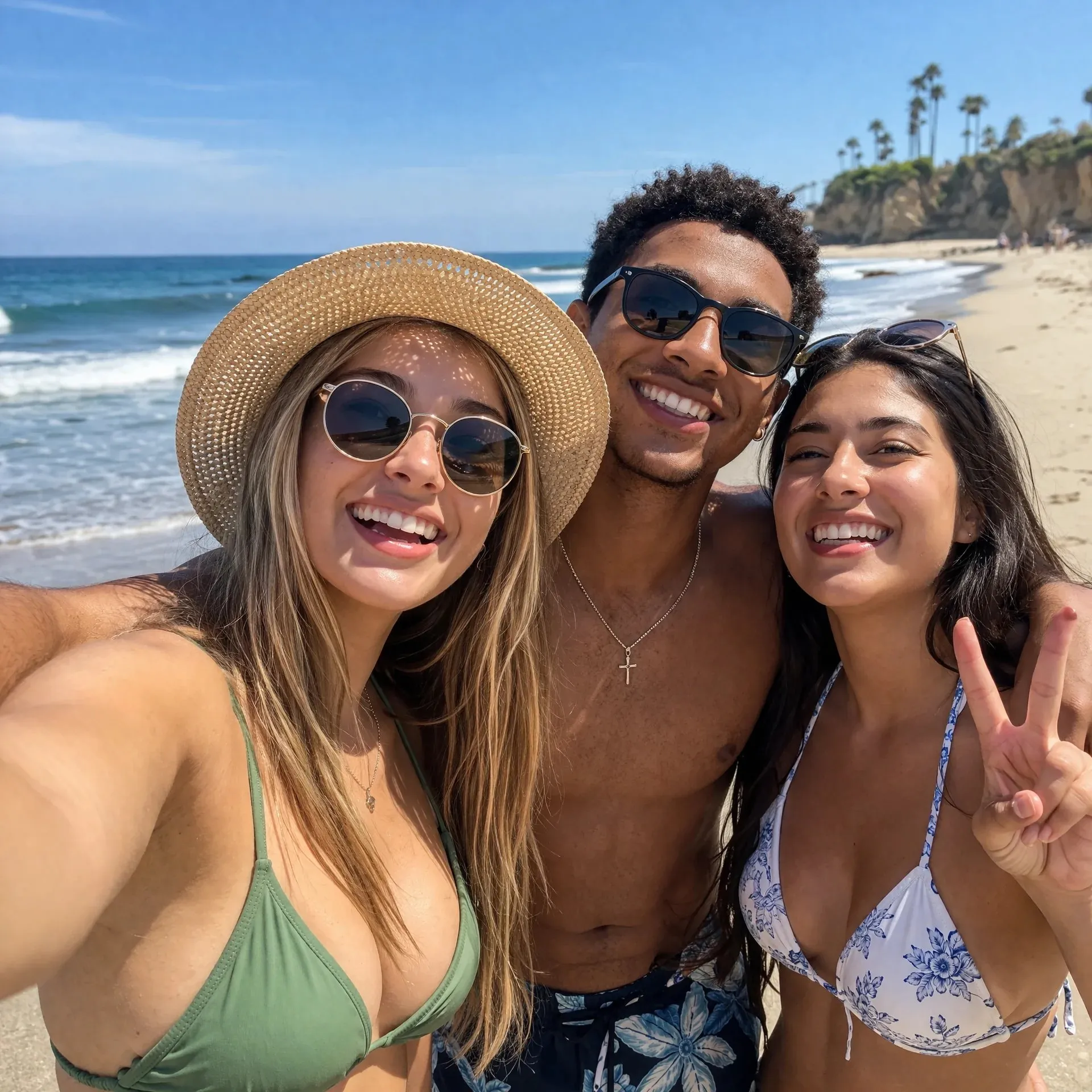
The current image workflow includes GPT Images 2.0, Nano Banana 2, and Seedream 5 Lite.
Generate from prompts, or upload references for image-to-image editing and visual continuation.
GPT Images 2.0 supports up to 16 references; Nano Banana 2 and Seedream 5 Lite support up to 14.
Controls vary by model, including aspect ratio, quality, resolution, output format, and safety checks.
ImageV2 brings multiple AI image models into one creation entry so you can choose the right workflow for text-to-image, image-to-image, reference editing, or structured visual generation.
Use GPT Images 2.0 for product visuals, marketing images, concepts, and social assets, then add references when you need image-to-image editing.
Match the task before choosing GPT Images 2.0, Nano Banana 2, or Seedream 5 Lite.
Map references, text, ratios, and output needs to the right model.
Refine prompts, references, or model choice after the first result.
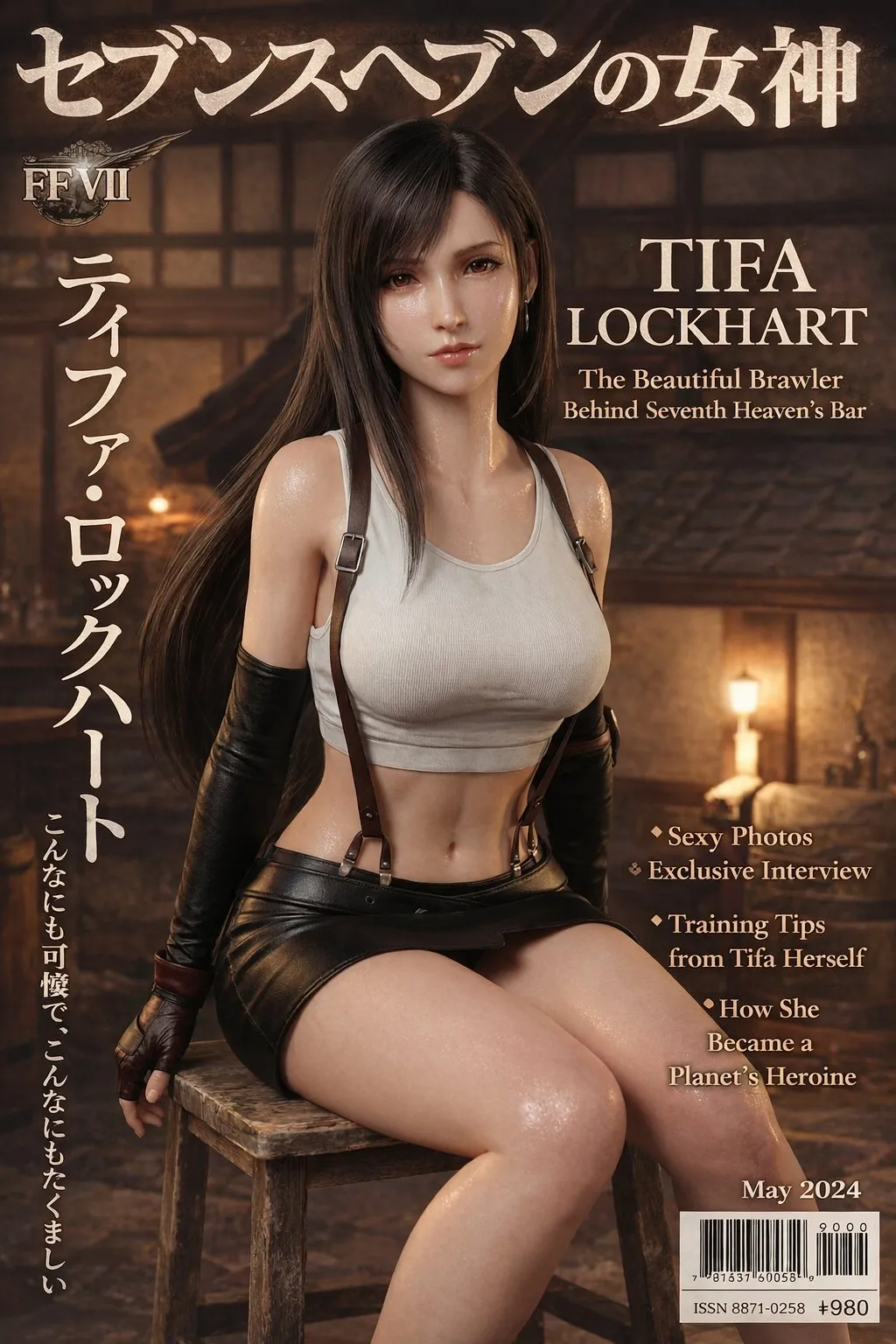
Nano Banana 2 fits image tasks that depend on reference images, subject consistency, text rendering, and multiple output sizes.
Match the task before choosing GPT Images 2.0, Nano Banana 2, or Seedream 5 Lite.
Map references, text, ratios, and output needs to the right model.
Refine prompts, references, or model choice after the first result.
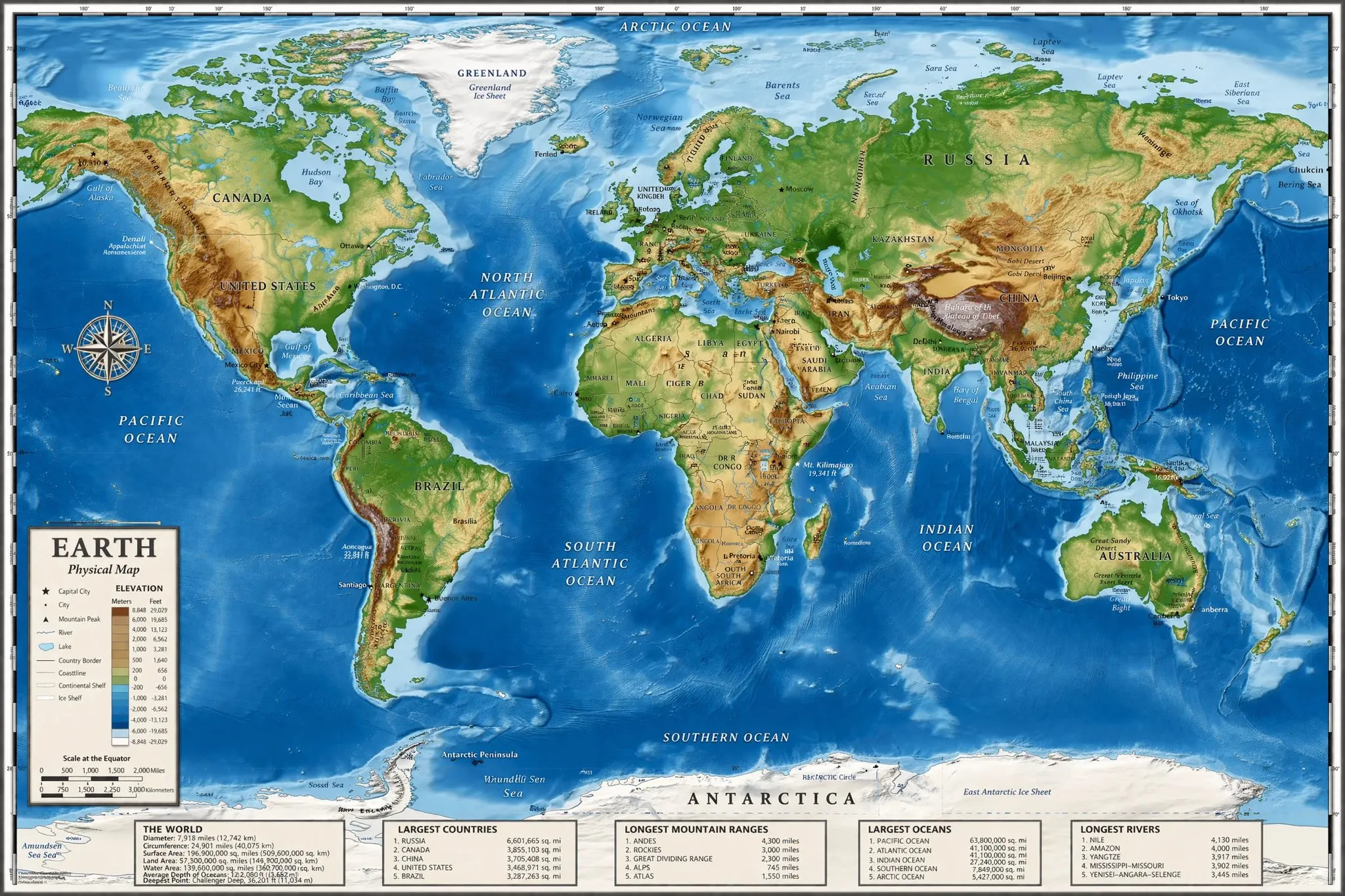
Seedream 5 Lite emphasizes understanding, reasoning, information visualization, and complex instruction following for posters, explainers, and presentation images.
Match the task before choosing GPT Images 2.0, Nano Banana 2, or Seedream 5 Lite.
Map references, text, ratios, and output needs to the right model.
Refine prompts, references, or model choice after the first result.
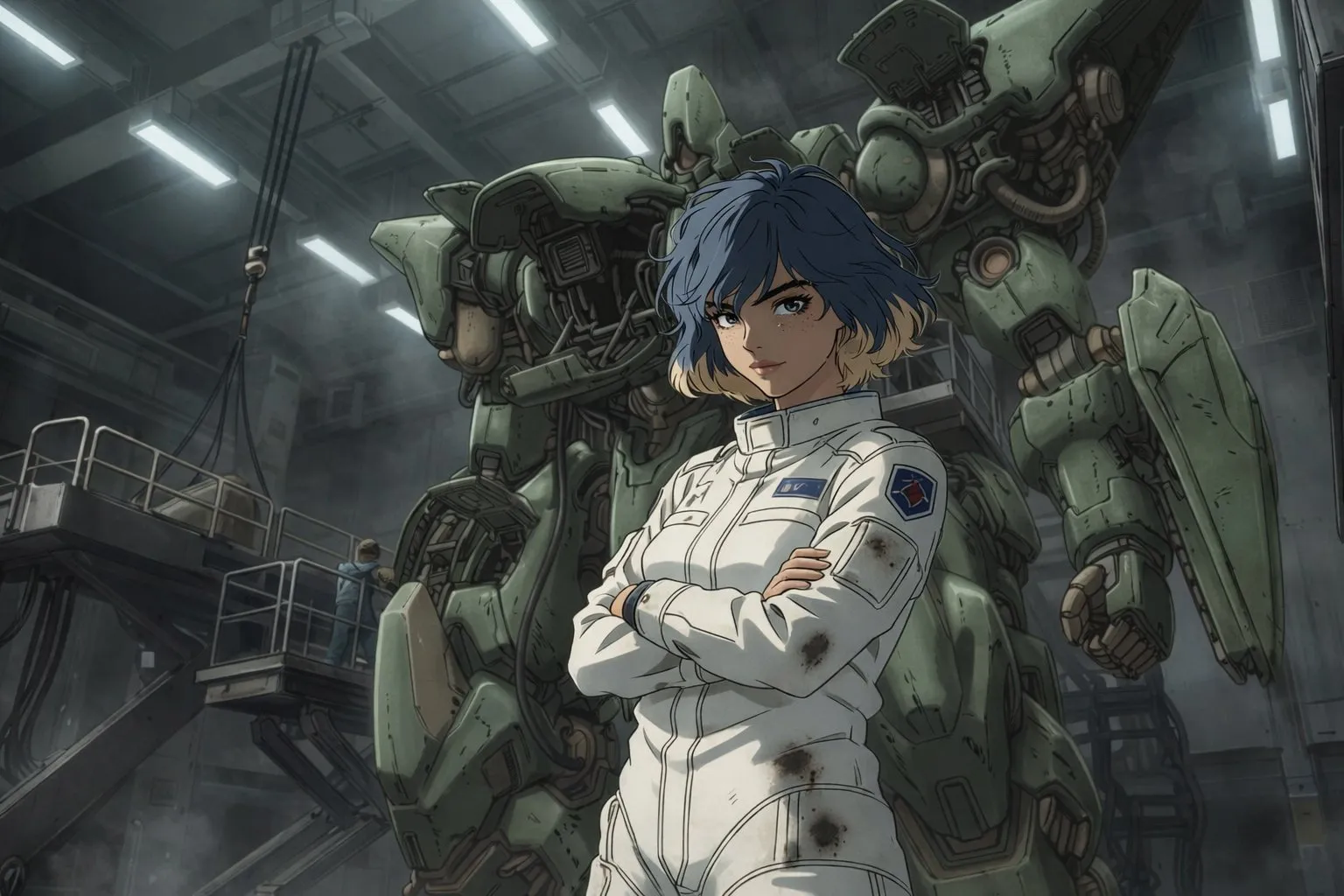
ImageV2 is not tied to a single model. It helps you compare GPT Images 2.0, Nano Banana 2, Seedream 5 Lite, and other image workflows from one site.
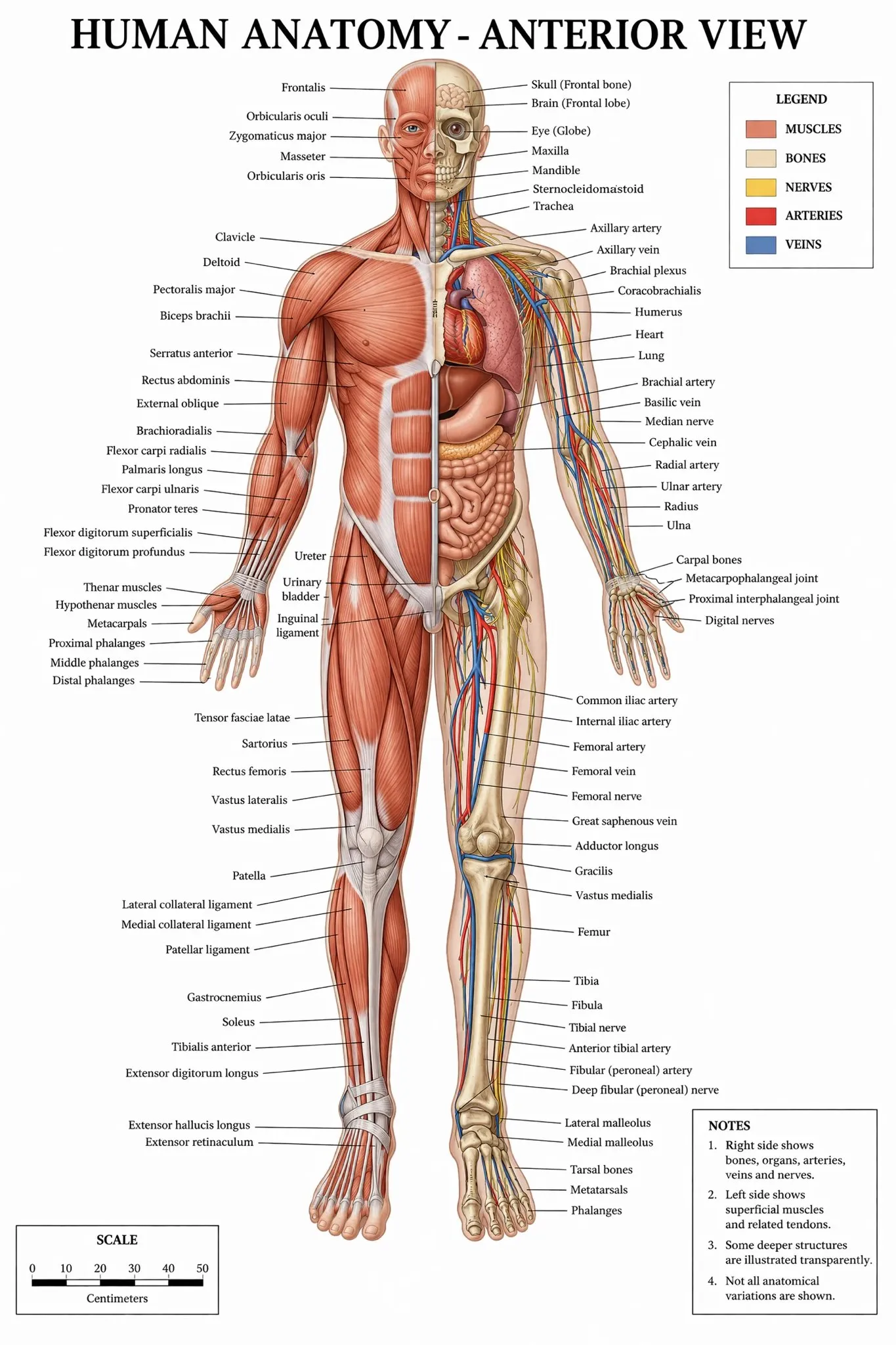
From daily text-to-image to reference edits, posters, ad creatives, and ecommerce visuals, ImageV2 reduces tool switching.
Choose by task instead of testing from scratch every time.
Keep generation, editing, and model comparison in one site.
Make it easier to explain why a model was chosen.
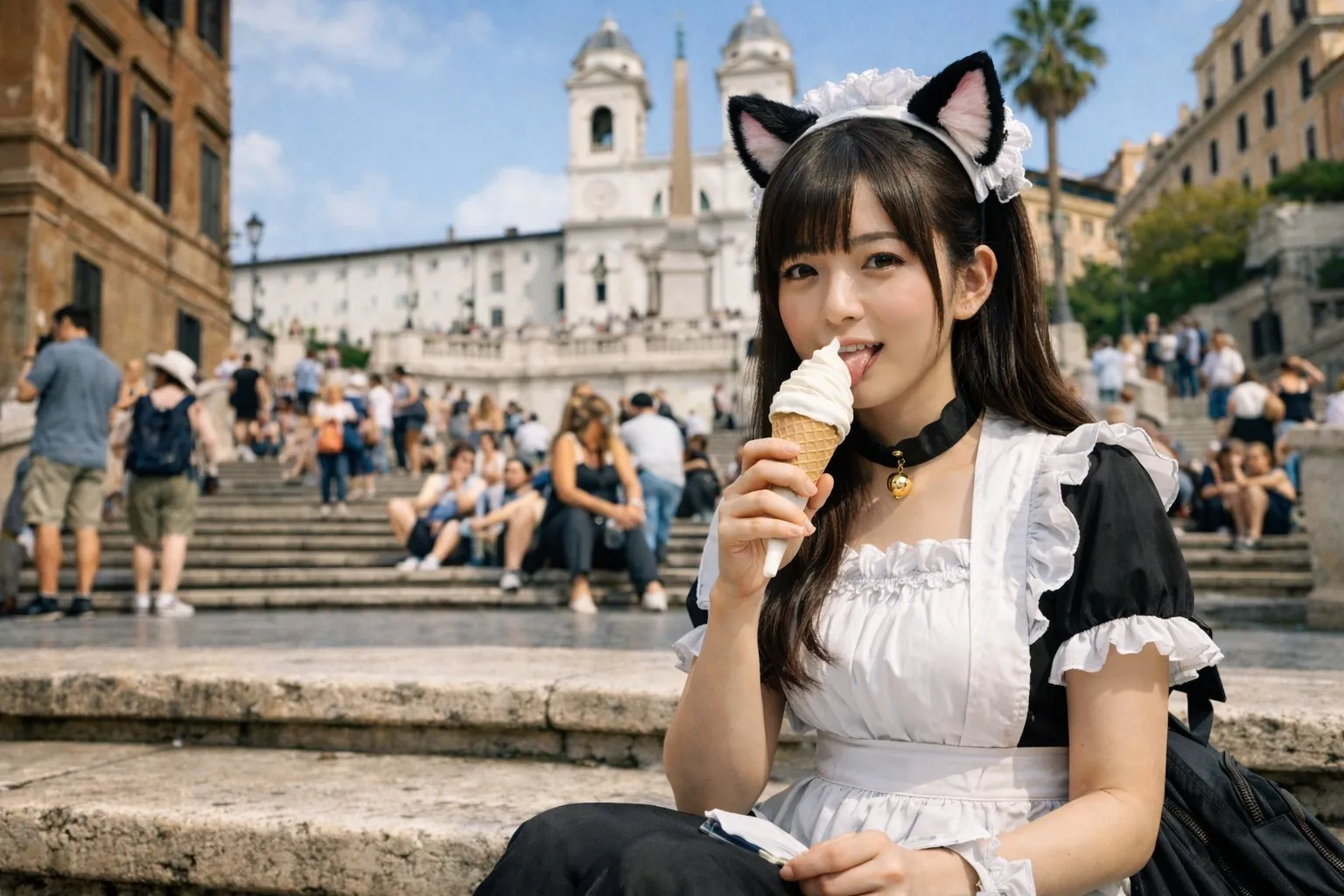
The homepage explains where GPT Images 2.0, Nano Banana 2, and Seedream 5 Lite fit so teams can choose faster.
Choose by task instead of testing from scratch every time.
Keep generation, editing, and model comparison in one site.
Make it easier to explain why a model was chosen.
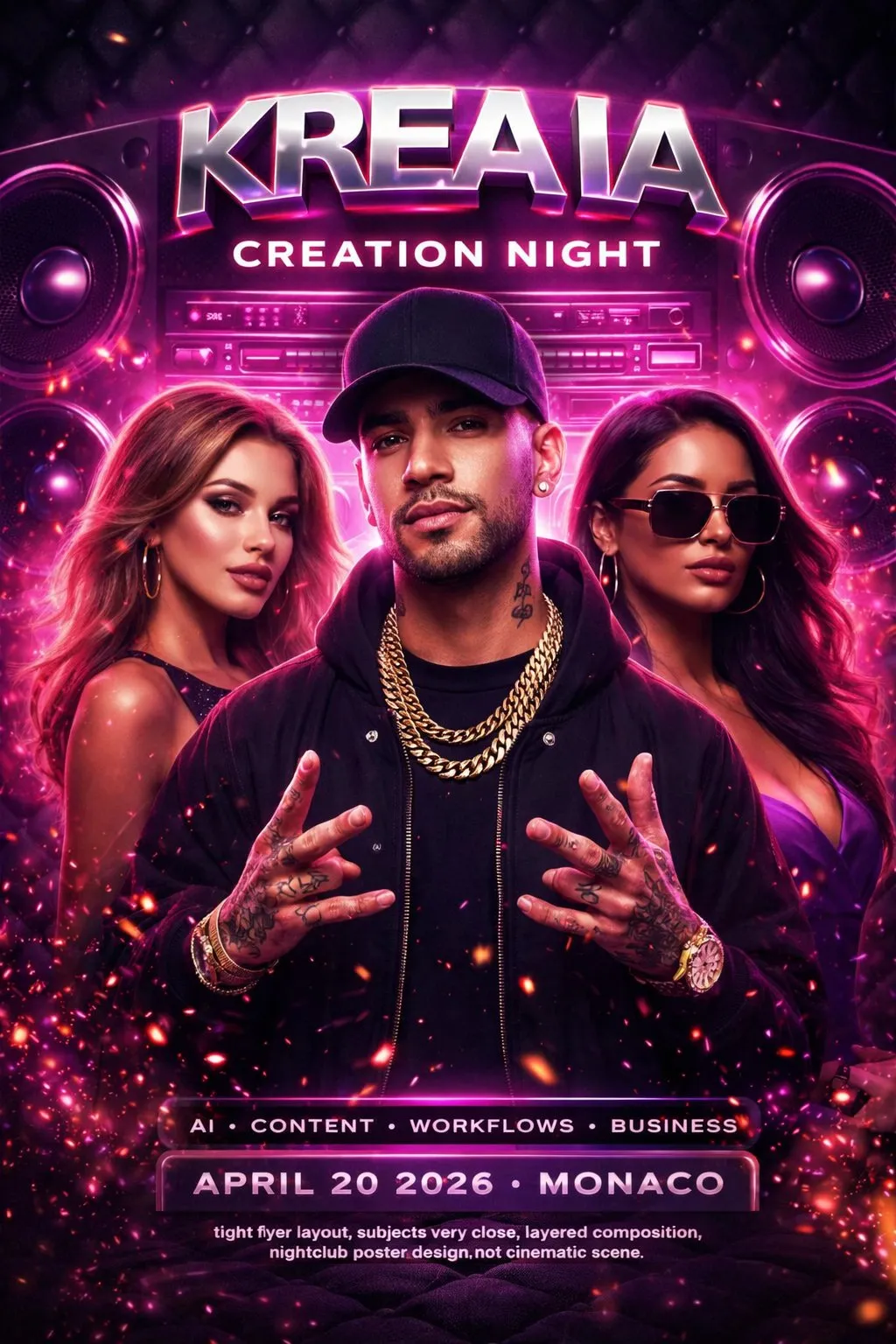
Refine prompts, replace references, or switch models without leaving the same image creation flow.
Choose by task instead of testing from scratch every time.
Keep generation, editing, and model comparison in one site.
Make it easier to explain why a model was chosen.
Start with GPT Images 2.0, Nano Banana 2, or Seedream 5 Lite based on whether you need fast prompting, reference editing, or structured visual output.
Describe the subject, scene, style, and purpose, then add reference images and controls such as ratio, quality, or resolution when needed.
Review the first output, refine the prompt, replace references, or switch models until the image is closer to usable.
ImageV2 organizes generation, editing, and model comparison around multiple image models so creators and teams can choose the right AI image workflow faster.
ImageV2 brings GPT Images 2.0, Nano Banana 2, and Seedream 5 Lite into one clear image creation entry.
Start from a prompt, upload reference images, edit from images, continue a style, or refresh existing assets.
Create marketing assets, social visuals, ecommerce graphics, and layout-heavy images where text, products, and aspect ratios matter.
Compare GPT Images 2.0, Nano Banana 2, and Seedream 5 Lite without opening separate tools.
Localized pages and interface copy help teams understand model positioning and start creating in their preferred language.
Review use cases, model differences, and workflow notes while moving directly into generation.
Choose monthly, yearly, or credit pack options across Basic, Standard, and Pro tiers. Subscription credits reset every month and do not roll over; credit packs stay available until used.
Teams care about choosing the right model quickly, generating and editing reliably, and keeping creative iteration in one site.
 Maya T.
Creative Ops Lead
“We needed more than a generate button. ImageV2 explains which model fits which task, so the team can choose a starting point faster.”
 Jordan P.
Growth Designer
“Putting GPT Images 2.0, Nano Banana 2, and Seedream 5 Lite in one site makes it easier to compare prompt generation, reference editing, and infographic tasks.”
 Ava R.
Product Marketer
“The useful part of ImageV2 is the model selection. Not every image should use the same model, and that clarity reduces trial and error.”
 Leo C.
Founder
“The bilingual experience is useful because our team works in both English and Chinese, but still wants the same product flow and output quality.”
 Priya S.
Brand Systems Manager
“ImageV2 gives our designers a shared place to compare model strengths before they start producing campaign assets.”
 Noah K.
Content Lead
“The model pages help writers and designers agree on the right generation path without rebuilding the brief in another tool.”
ImageV2 is a multi-model AI image generator and editor. The current image models include GPT Images 2.0, Nano Banana 2, and Seedream 5 Lite, with workflows for text-to-image, image-to-image, reference editing, and model comparison.
The current image workflow supports GPT Images 2.0, Nano Banana 2, and Seedream 5 Lite. GPT Images 2.0 is a general generation and editing entry, Nano Banana 2 is stronger for reference workflows and output control, and Seedream 5 Lite is useful for information-rich and structured visuals.
Start with GPT Images 2.0 when you want a quick prompt-led generation or a general image editing entry. Compare Nano Banana 2 when the task depends more on references, subject consistency, text rendering, 1K to 4K resolution, or PNG/JPG output.
Choose Seedream 5 Lite when the task depends on instruction understanding, information visualization, presentation images, explainers, or structured posters. ByteDance Seed describes it as a unified multimodal image generation model with deep thinking and online search capabilities.
Yes. The current image models provide text-to-image and image-to-image workflows. Reference limits and output controls vary by model.
Yes. GPT Images 2.0 is useful for fast drafts and general generation, Nano Banana 2 fits controlled reference editing and multi-size output, and Seedream 5 Lite fits information-heavy posters and explainers.
Start with the subject, scene, style, and intended use, then add aspect ratio, required text, elements to preserve, or reference-image instructions. For edits, say what should stay and what should change.
ImageV2 supports both subscriptions and credit packs. Subscriptions fit steady ongoing production, while credit packs fit short bursts, launches, or temporary extra demand.
In general, yes, as long as your use complies with the platform terms and does not violate third-party rights. You are still responsible for checking inputs, trademarks, brand assets, likeness rights, copyright issues, and publishing platform rules.
You keep the rights you already have in your inputs, and you may use outputs subject to the terms and any third-party rights. AI outputs are not guaranteed to be unique, exclusive, or free from infringement risk, so review is still important before commercial use.
Choose GPT Images 2.0, Nano Banana 2, or Seedream 5 Lite in one site for image generation, editing, and model comparison.