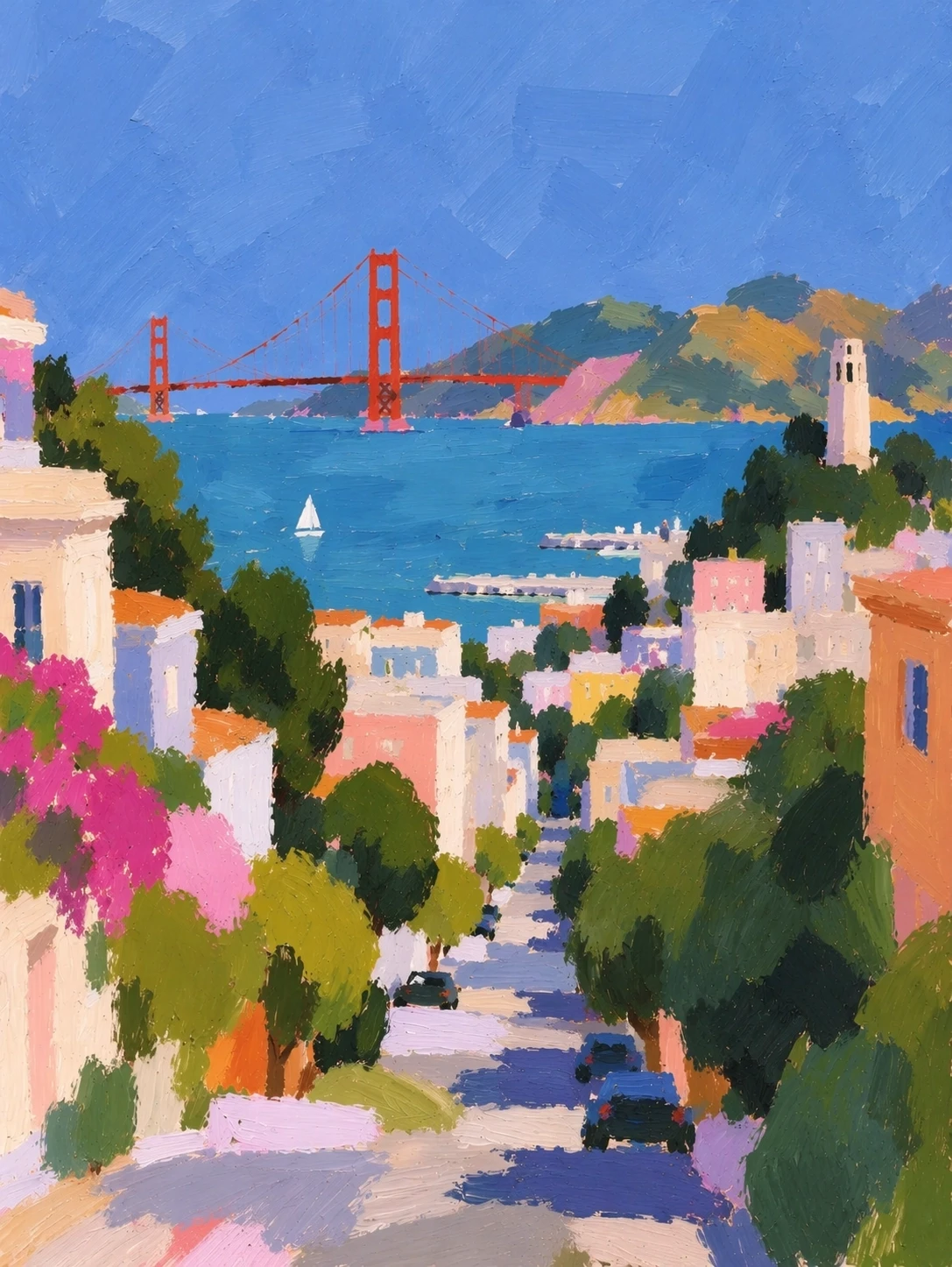
Flare + Sunburst
GPT Images 2.5
GPT Images 2.5
Create and refine images with GPT Images 2.5
Turn a written brief or reference image into a visual direction. GPT Images 2.5 combines reference fidelity, focused editing and flexible styles, with Flare and Sunburst for different creative priorities.
01
Reference fidelity
02
Focused edits
03
Flare for speed
04
Sunburst for precision
Text + images
Successive edits
Targeted changes
Control the details that shape your image
01
Preserve reference subjects
OpenAI reports more recognizable subjects and more natural lighting and textures.
02
More controlled editing
Target a change while retaining surrounding details, with improved consistency through successive edits.
03
GPT-Image-2.5 Flare
OpenAI’s everyday image model, prioritizing speed. The API accepts text and reference images.
04
GPT-Image-2.5 Sunburst
Designed for precision in image generation and editing. Both API variants offer six quality settings, including auto.
05
Natural light and materials
Work with portraits, products and scenes where lighting and texture help define the result.
06
Complex visual directions
Combine subject, composition, style and typography in a detailed brief. Review generated text and factual content before publishing.
From an idea to a useful visual
01
Product photography
Plan a product scene, then explore backgrounds and lighting while checking that key product details stay recognizable.
02
Campaigns and social content
Develop a visual concept for a launch, poster or social post. Specify the message, hierarchy and space for copy.
03
Portraits and visual storytelling
Use a reference to explore settings or styles. Check identity, expression and recurring details across variations.
A clear brief makes a better starting point
01
Describe the result
Name the subject, composition, lighting, visual style and intended use. Put exact wording in quotation marks.
02
Choose a creative priority
Use Flare for everyday image work and faster iteration; consider Sunburst for tasks centered on editing precision.
03
Refine one change at a time
State what to change and what to preserve. Review the full image after each edit, including text and small details.
GPT Images 2.5, explained
What is GPT Images 2.5?
An OpenAI image model family for generating and editing images from text and image inputs. The API offers Flare and Sunburst variants.
How do Flare and Sunburst differ?
Flare emphasizes speed for everyday image work. Sunburst emphasizes precision in generation and editing, with longer generation times.
Can I work from a reference image?
The models accept image inputs alongside text. Describe which subject details should stay the same and which parts of the image should change.
What should I check after an edit?
Check the requested change, unchanged areas, likeness, typography and fine details. Model output still needs review; consistency is an improvement, not a guarantee.
Which quality settings are supported?
OpenAI documents low, medium, high, xhigh, max and auto for both API variants. Available controls depend on the product integrating the model.
Are Sketch and image comments part of the model?
Sketch, templates and comments on images belong to the ChatGPT interface. API model capabilities and the controls offered by another application are separate.
Give your next image a clearer direction
Start with a subject, add a reference if needed, and define the details that matter.
Model documentation & references
- OpenAI ↗
Official release and product changes.
- Flare · OpenAI API ↗
Official Flare capabilities and API pricing.
- Sunburst · OpenAI API ↗
Official Sunburst capabilities and API pricing.
- Reddit · r/ChatGPT ↗
User experience discussion. Individual examples are useful context, not controlled benchmarks.
- OpenAI · X ↗
OpenAI’s launch post, located via a public X mirror; specifications were checked against the official website.