Prompt or references
Describe a new scene, or upload images to guide an edit.
Generator
Nano Banana 2.1
Preview
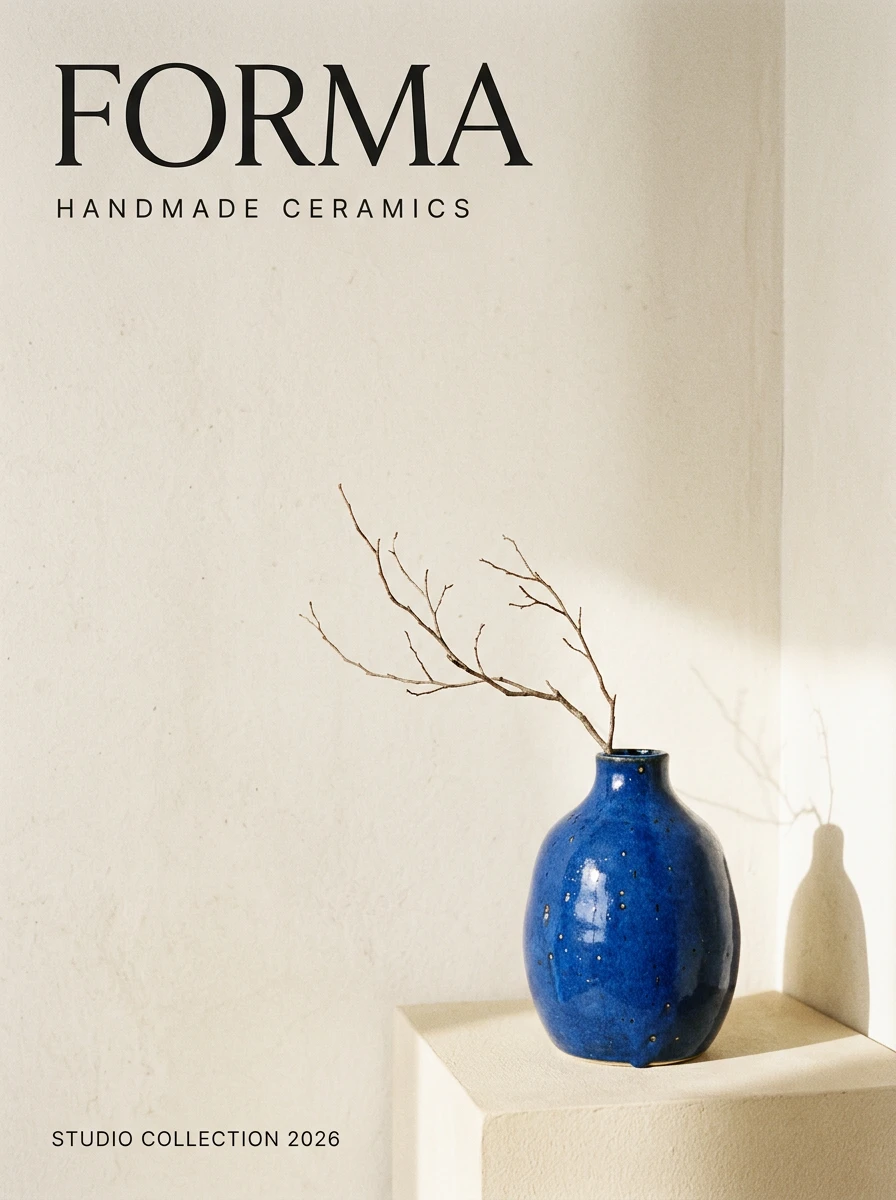
Turn a brief into a poster, build a product scene from references, or revise an existing image. Nano Banana 2.1 updates Google’s Nano Banana 2 with improvements to visual quality, text rendering, and consistency across edits. Use it here on ImageV2 for a new concept or your next revision.
Posters and text layouts
Reference-guided edits
Up to 14 reference images
1K / 2K / 4K
Describe a new scene, or upload images to guide an edit.
Add only the images needed to explain the subject, composition, and style.
Start at 1K for drafts and choose a larger size when the composition is settled.
An ImageV2 service using Google’s model; independent of Google.
Google describes improvements over Nano Banana 2. These are model capabilities; your prompt and references still determine the result.
The update targets realism and visual quality. For a product scene, specify the material, light direction, camera angle, and background before adjusting small details.
Google highlights better text rendering. Put the exact headline in quotation marks and describe its position. Check every word and number at the intended display size.
Google highlights improved visual design and infographic layout accuracy. Specify the headline, supporting text, focal point, and empty space so each element has a clear role.
Use a source image to explain what should stay and a prompt to explain what should change. For example: keep the vase shape and glaze, replace the background, and leave the upper left empty for a headline.
Google reports improved prompt adherence. State what to keep, what to change, and where elements belong. Avoid conflicting requests and check the result against each requirement.
Google reports fixes for tiling artifacts at wide ratios in 2K and 4K. Try 4:1 for a banner or 1:4 for a tall placement, and inspect the edges before export.
These are suggested workflows, not benchmark results. Adapt them to your own copy and assets.
Give the headline, supporting line, and hierarchy separately. Ask for a clear focal point and intentional empty space. Keep the first version short enough to proofread.
Upload the product photo and describe one scene change at a time. Compare the silhouette, label, color, and small features against the original before making more variants.
Supply the facts and labels yourself, then request a simple layout. Check arrows, units, and relationships before using the image in teaching or publishing.
Use Text to image for a new concept. Choose Image to image and add references when the subject or layout needs to carry over from an existing image.
Describe the subject, composition, lighting, and exact text. Choose an aspect ratio and 1K, 2K, or 4K. Review the displayed ImageV2 credit estimate; sign in to generate.
Check spelling, product details, and unwanted additions. Upload a result as a reference for the next edit. Download the version that meets your brief.
It is Google’s image generation and editing update to Nano Banana 2, released on October 6, 2026. Google lists improvements to visual quality, prompt following, text rendering, and consistency through edits.
The update addresses image quality, text layouts, edit consistency, and some panoramic tiling artifacts. Those changes do not guarantee that every prompt will improve. Compare both models with the same brief and reference images when a particular detail matters.
This generator accepts up to 14 image references. That is an input limit, not a promise that every detail in 14 complex images will be preserved. Assign a clear purpose to each reference and avoid conflicting instructions.
This page supports text-to-image and reference-image editing. It does not currently offer a mask upload or search controls. Google discusses mask-based editing, and the model supports search grounding, but those capabilities are not enabled in this generator.
ImageV2 displays its credit estimate on the Generate button before you submit. It changes with resolution, references, and prompt length. ImageV2 credits follow this service’s pricing and are separate from Google or API-provider prices. You need to sign in and have enough credits.
No result is guaranteed. Proofread generated words, numbers, and diagrams; compare products and people against your references. Make a targeted revision when something changes unexpectedly, and finish exact brand typography in your design tool if needed.
Start with one clear prompt or a small set of references. Review the details, then build on the result.