1K
Image dimensions depend on the aspect ratio.
Generator
Nano Banana 2 Lite
Preview
Your result will appear here
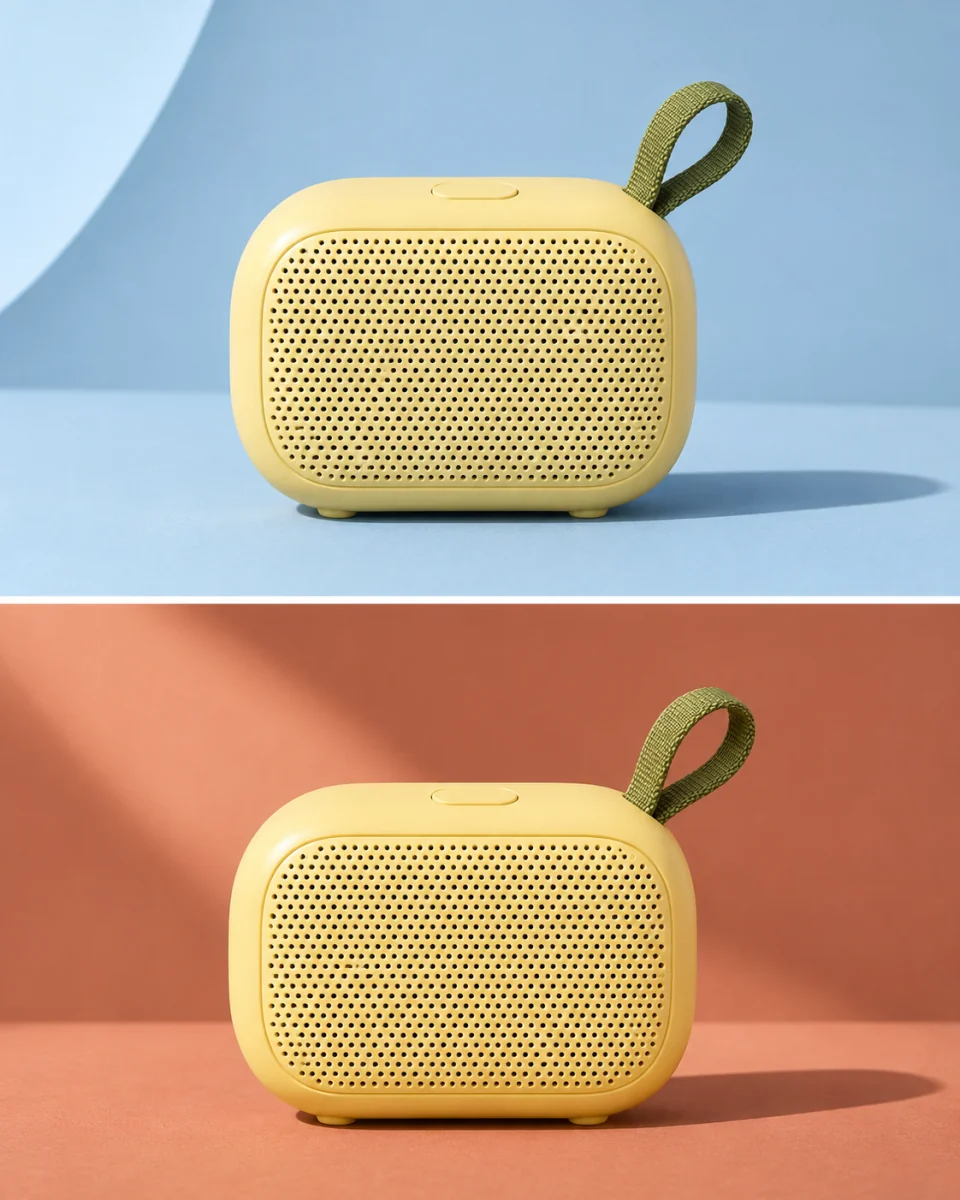
AI illustration · Two backdrop variations
Nano Banana 2 Lite is Google’s Gemini 3.1 Flash Lite Image model. Use this ImageV2 generation entry to explore 1K concepts or revise an image with references. ImageV2 is an independent service, not Google’s official website.
Native 1K output
Text to image and editing
Up to 10 references
14 ratios plus auto
Image dimensions depend on the aspect ratio.
JPEG, PNG, or WebP input.
An application limit shared by both provider routes.
Google applies an embedded watermark to generated images.
Lite focuses on native 1K generation and reference-guided editing. Keep each request specific so you can compare revisions.
Describe the subject, framing, lighting, and intended placement. Ask for one clear composition, then change one variable in the next request.
Upload 1–10 images and explain what each contributes. State which shapes, colors, or objects should remain, then compare the result with the originals.
Choose a square, portrait, landscape, or panoramic ratio. Auto lets the model decide the framing; all choices stay at the native 1K tier.
Put the exact wording in quotation marks and specify its position. Proofread spelling, numbers, and small labels before using the result.
Kie returns one JPEG per task with no output-format control. For exact typography or a transparent asset, finish the downloaded image in your design tool.
The estimate uses the higher provider cost, includes a text/thinking allowance and reference costs, and rounds the total once into ImageV2 credits.
Suggested workflows, not claims about tested results.
Keep the product and headline fixed while trying a different setting or palette in separate generations.
Use a character reference and describe a new location. Inspect facial details, clothing, and silhouette after every revision.
Choose 4:1 or 21:9, describe the focal point, and reserve empty space for copy you will add later.
Use Text to image for a new concept, or Image to image with 1–10 references for a revision.
Use up to 500 characters. Explain the desired change and what to preserve, then choose a ratio or auto. Output stays at 1K.
Sign in, review the displayed credit estimate, and generate one image. Check the details, download it, or upload it as a reference for a separate revision.
No. This is the Nano Banana 2 Lite generator on ImageV2, an independent service using Kie and EvoLink. The Google model is Gemini 3.1 Flash-Lite Image.
No. Lite is the native 1K option for concept iteration. Nano Banana, Nano Banana 2, Nano Banana 2.1, and Nano Banana Pro are separate family names. The Nano Banana 2 and 2.1 entries on ImageV2 have their own settings, including larger output tiers.
This Lite entry offers native 1K only. It has no resolution or format selector. Kie documents JPEG output; pixel dimensions vary with the chosen ratio. Generated images carry SynthID.
ImageV2 uses shared limits for both provider routes. Kie accepts 10 references and up to 20,000 prompt characters; EvoLink accepts 14 references but documents a 2,000-token prompt limit. This entry conservatively allows 500 characters. Check the upload control for the application file-size limit.
The displayed quote is based on the higher provider estimate, with an allowance for text and thinking plus reference-image fees, then rounded once. Inputs and provider rates can affect the quote. ImageV2 credits are separate from provider credits; review the estimate before each submission.
This generator has no thinking-level selector and uses production routes only. It supports text-to-image and reference editing without mask or search controls. Results and completion time vary; review every image before publishing.
Choose a ratio, add references if needed, and check the displayed quote.