One JPEG or PNG
Use an image up to 10 MB with at least 262,144 pixels (512 × 512 for a square).
Generator
Seedream 5.5 Layerize
Preview
Your result will appear here
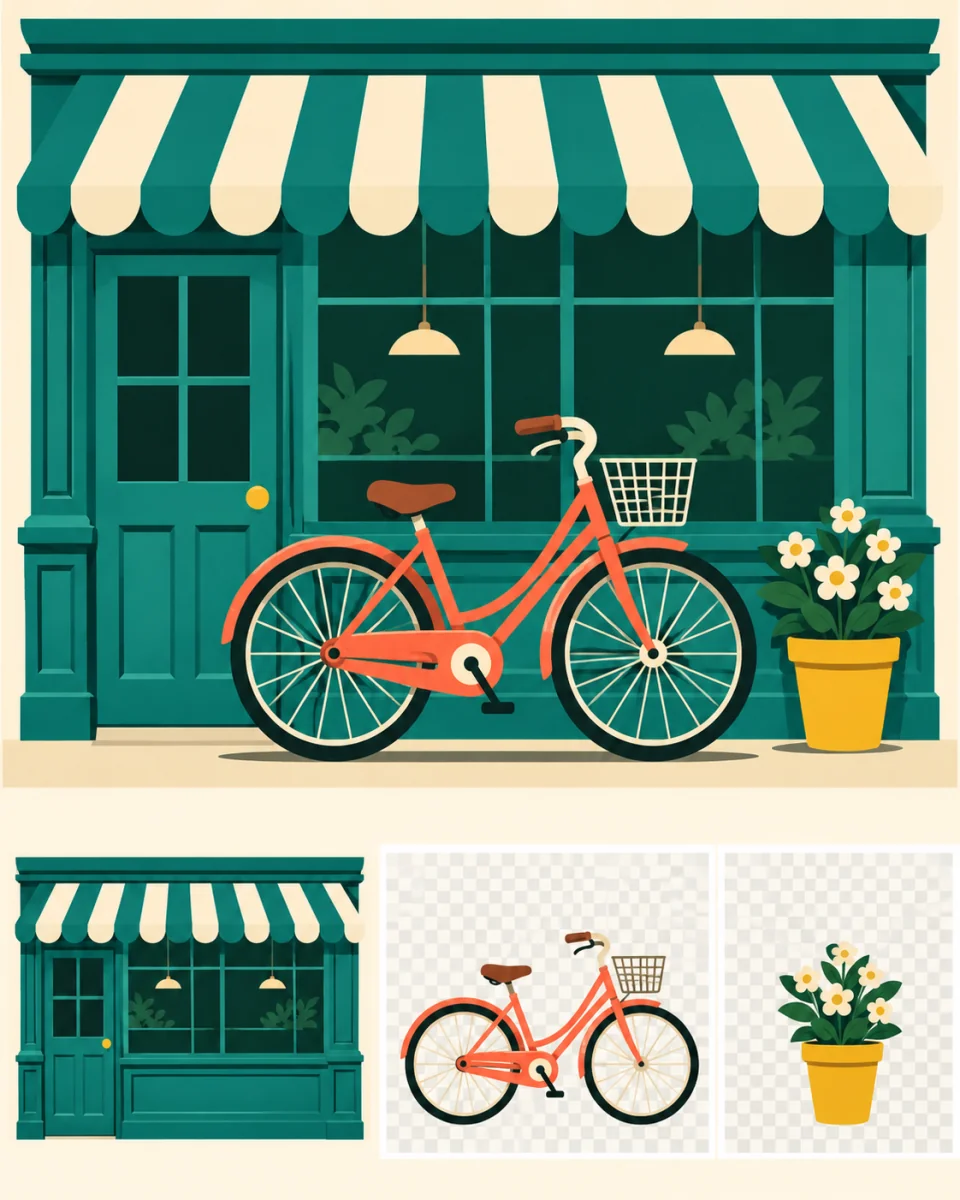
AI illustration
Use Seedream 5.5 Layerize to separate a flat design into a base image and foreground elements.
One JPEG or PNG
Base image and PNG layers
2, 4 or 8 requested files
Up to 2,000 characters
Use an image up to 10 MB with at least 262,144 pixels (512 × 512 for a square).
Preview the base image and layers in a grid. Download individual images or save them all in one ZIP.
The cap includes the base image. The provider may return fewer files.
Name the elements to separate, for example “Separate the bicycle and the potted plant.”
Choose PNG or JPEG for the base image. The provider returns the individual layers as transparent PNGs.
Name the elements to separate, for example “Separate the bicycle and the potted plant.”
The cap includes the base image. The provider may return fewer files.
Preview the base image and layers in a grid. Download individual images or save them all in one ZIP.
Use an image up to 10 MB with at least 262,144 pixels (512 × 512 for a square).
The cap includes the base image. The provider may return fewer files.
Sign in and review the ImageV2 credit quote before submitting. It uses the 2K rate for one input and the selected output cap.
Ordinary Seedream 5.5 creates or revises a flat image. Layerize takes one existing image and returns a base plus separate layers.
ImageV2 provides the base image and layers as individual image files. PSD, placement metadata, and a layer editor are unavailable.
Sign in and review the ImageV2 credit quote before submitting. It uses the 2K rate for one input and the selected output cap.
The provider can recognize text in some layers. ImageV2 does not display the recognized text.
Upload one image and choose the maximum number of result files.